
Free Microsoft Word CV Templates (.docx)
Build a polished application quickly with our free Microsoft Word CV templates. Download fully customizable .DOCX files or edit online using our AI-powered builder.

- Our customers have been hired by : *Foot Note
Looking for a clean, professionally formatted CV template for Word? Choose from our collection of Word CV templates available for free download. Each template is fully editable in Microsoft Word (Desktop & Office 365), 100% ATS-friendly, and pre-formatted to UK job market standards.
Smarter writing with built-in AI
Get instant, high-quality text suggestions tailored to your specific industry.
Free Word CV templates ready to download
The CV templates below can be edited directly in MS Word and follow UK standards. Our collection includes both modern and traditional ATS-friendly designs.
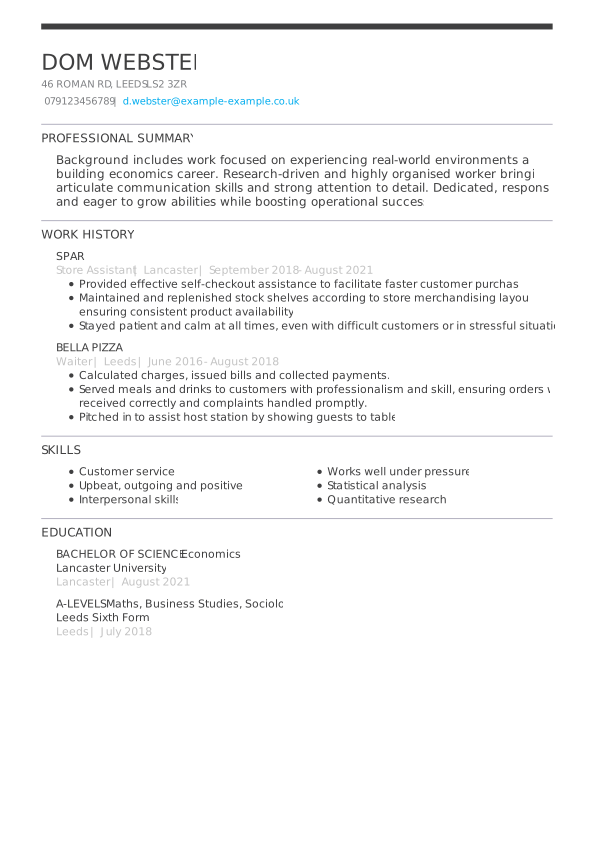
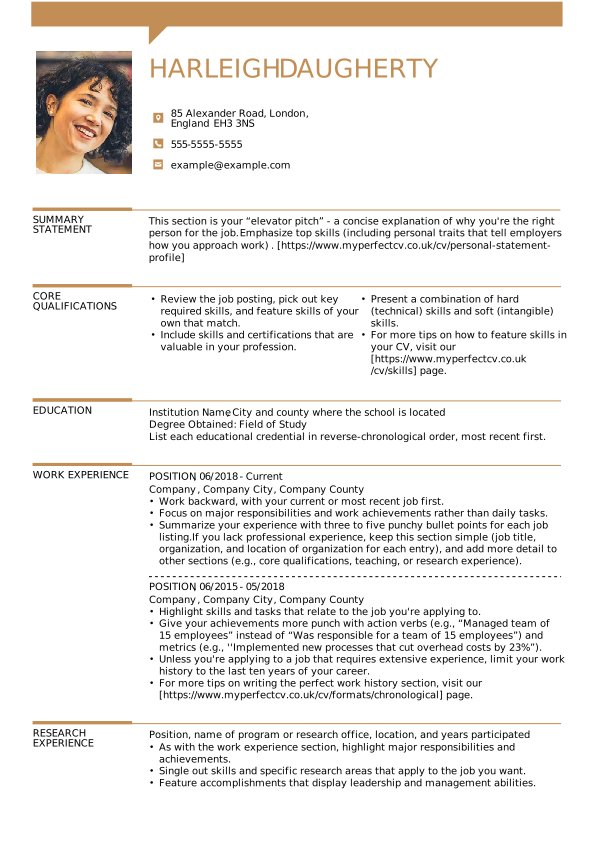
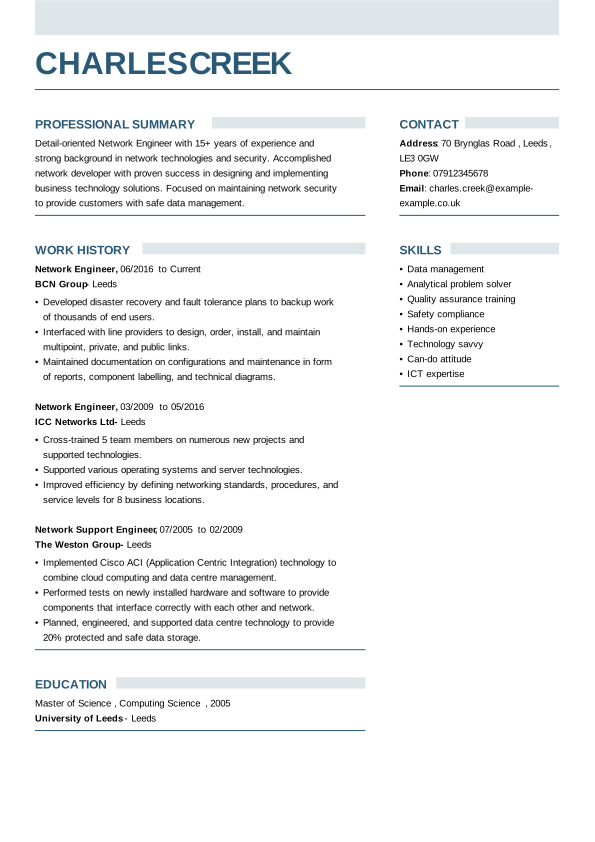
Basic Word CV template
Ideal for career changers, school leavers, and entry-level applicants needing a clean one-page CV.
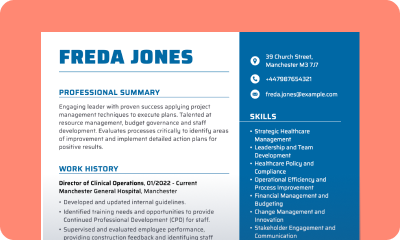
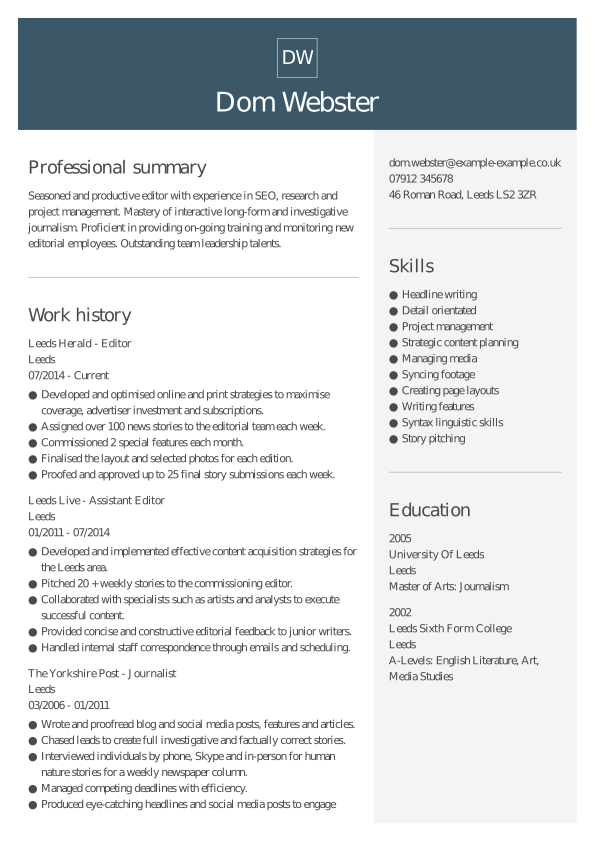
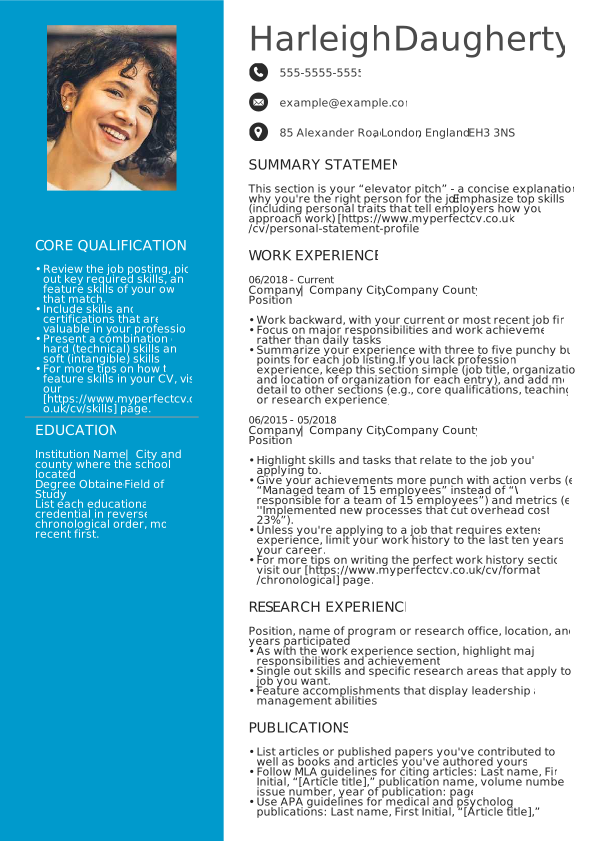
Two-column CV template for Word
Designed with dual-column layouts to maximise vertical space and separate key skills from work history efficiently.
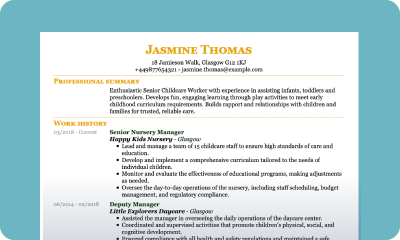
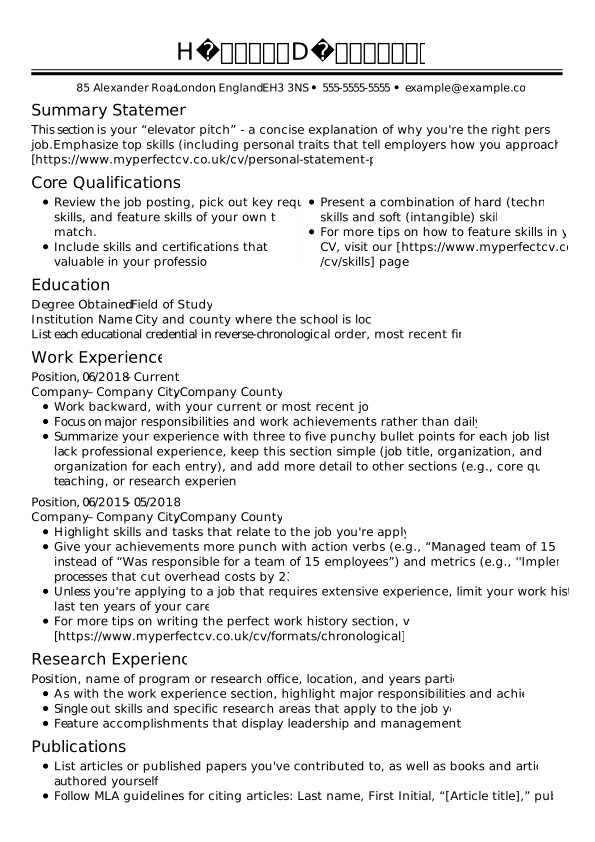
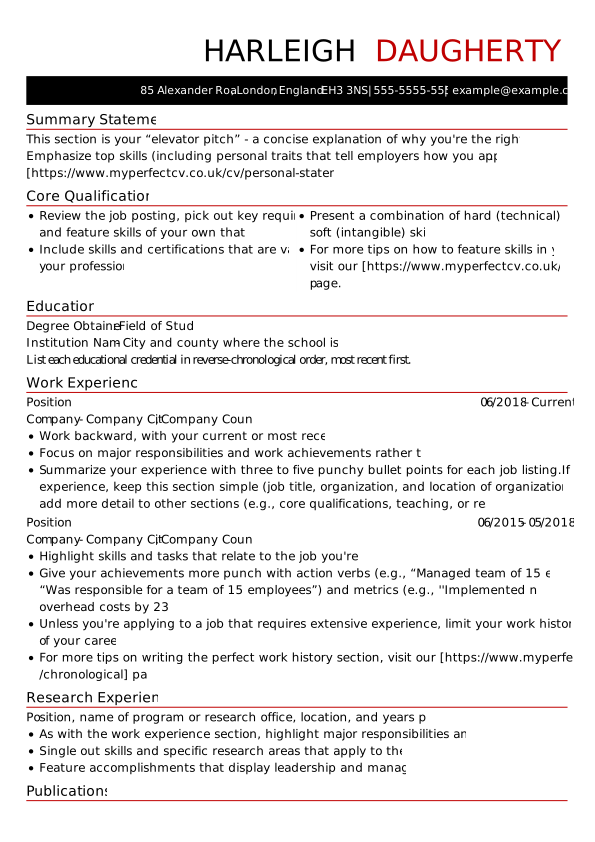
Traditional free Word CV template
A classic, formal structure tailored for traditional UK industries like academia, administration, and public sector positions.
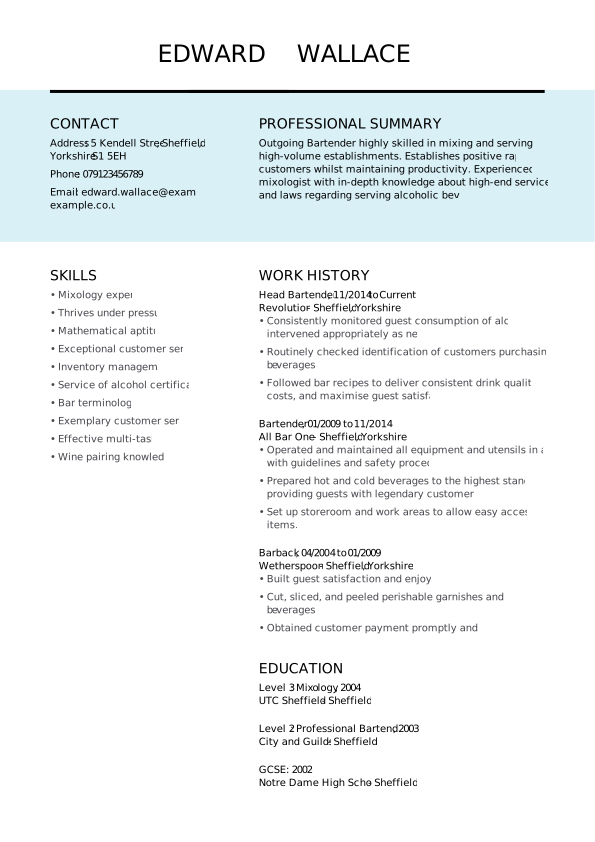
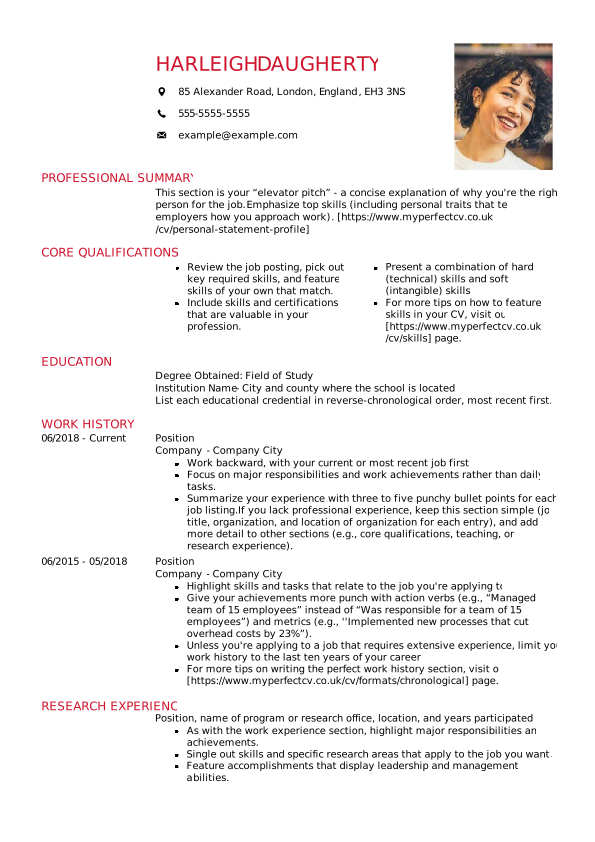
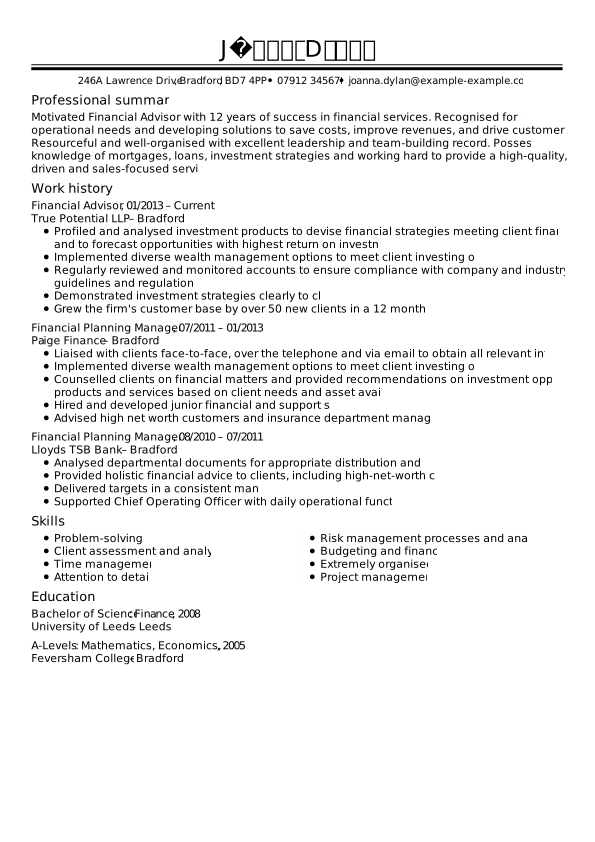
Professional Word CV template
Built for senior management, legal, finance, and corporate roles requiring formal structures.
Modern Word CV template
For tech, marketing, and creative professionals needing clean accents and contemporary typography.
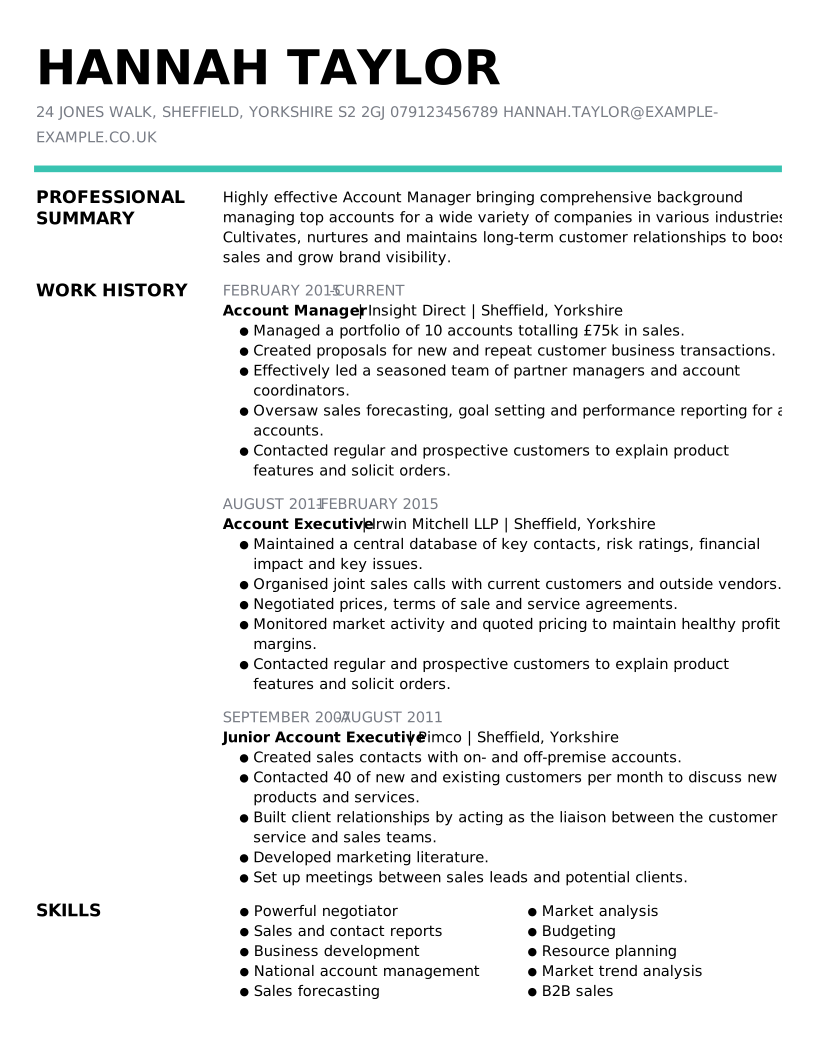
Simple CV template for Word
Minimalist layout focused on high readability, perfect for straightforward work histories and quick recruiter review.
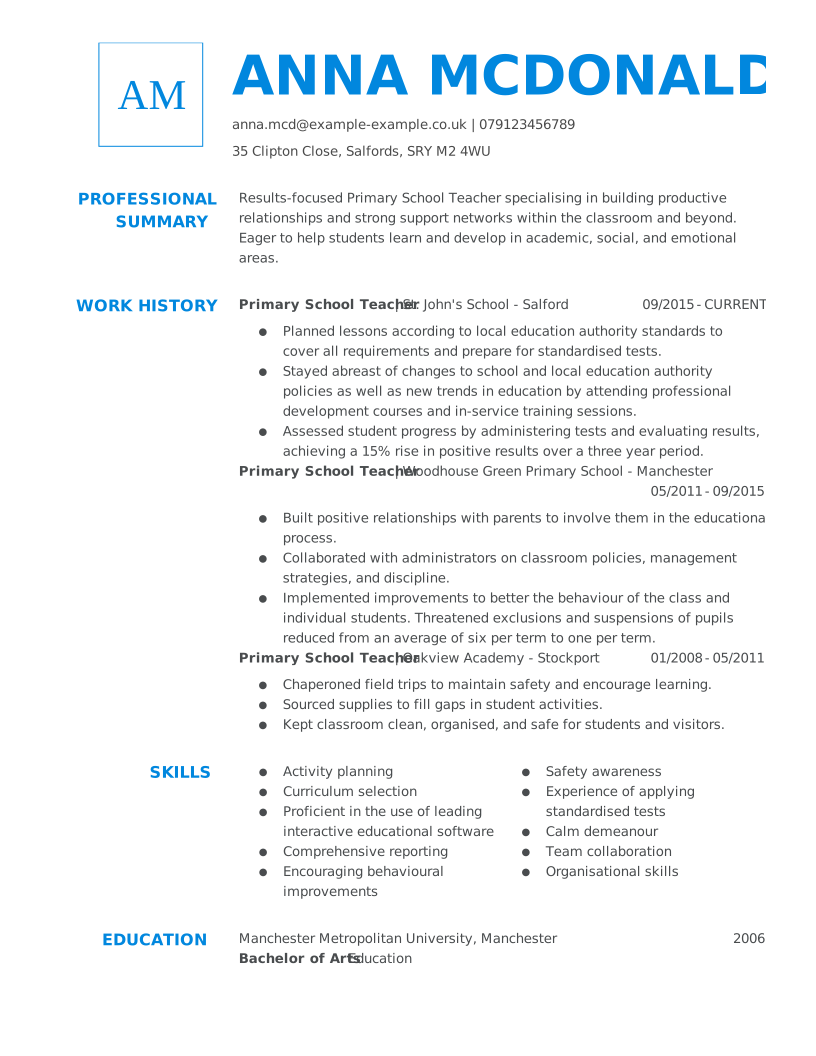
Dynamic Word CV template
An energetic design featuring bold headers and active hierarchy for energetic professionals in fast-paced fields.
Creative free Word CV template
Incorporate tasteful design accents and subtle colour pops for design, media, and communications roles.
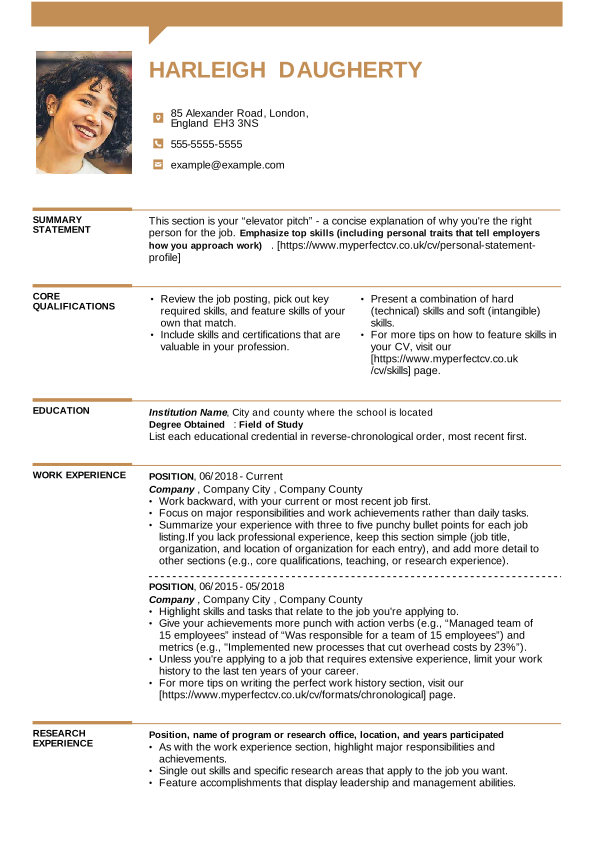
One-column Word CV template
A clean, single-column layout that organises your information into a chronological CV, allowing recruiters to scan your key qualifications quickly.
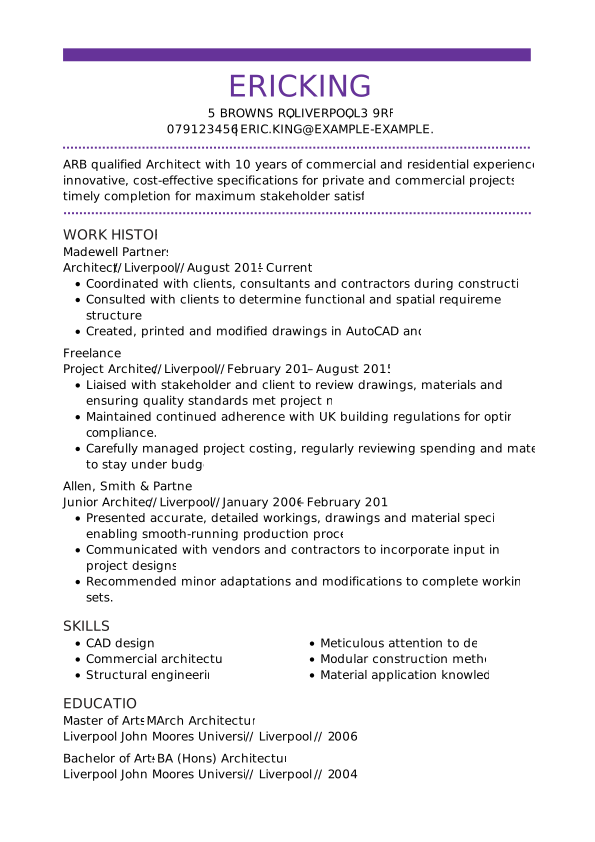
Word CV templates tailored by profession
Whether you need to highlight software proficiencies or interpersonal abilities, we have Word CV examples structured specifically for your career path.
SEARCH ALL CV EXAMPLES
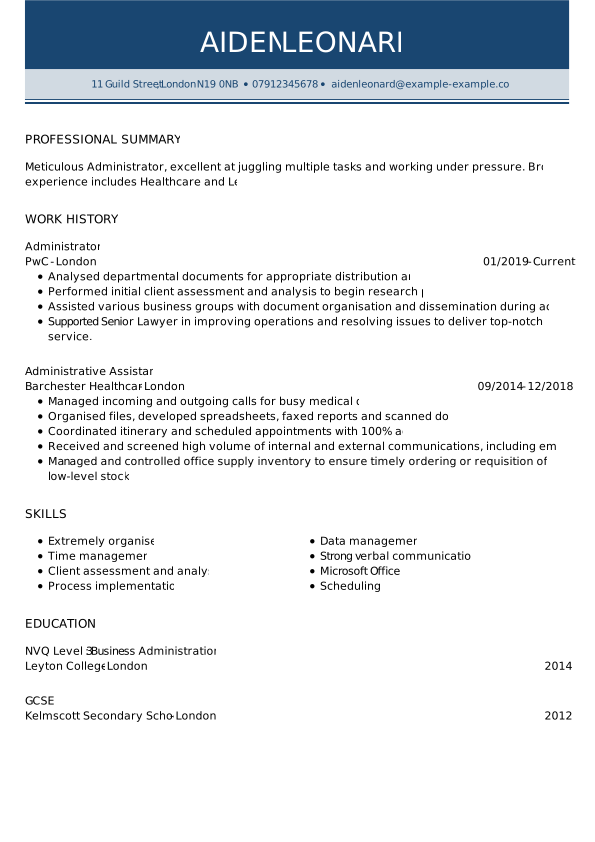
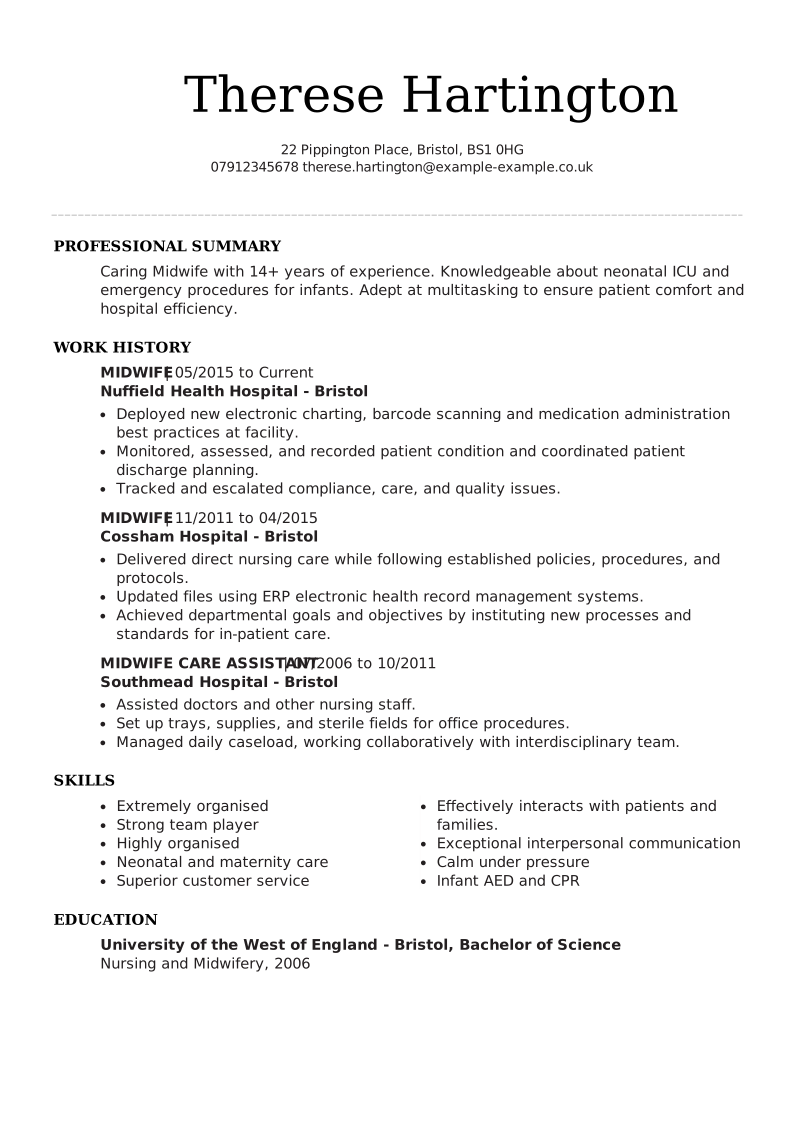
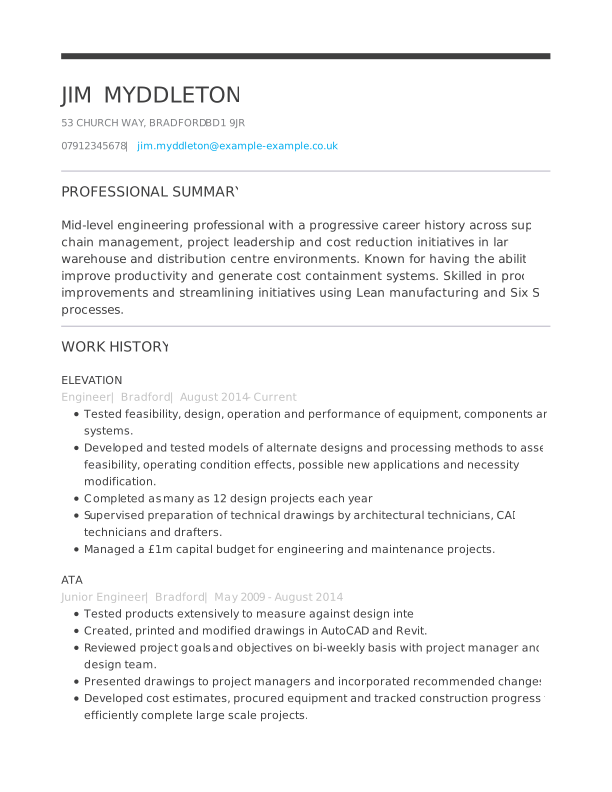
How to download and edit your template in Word
In just three easy steps, you can download a Word CV template, customise it, and move one step closer to your next job. Here’s what to do:
Select and download
Pick the Word CV template that fits your profession and style, and download it as a .docx file.
Customise in MS Word
Input your personal summary, work experience, education, and key CV skills into the pre-formatted sections.
Format and export
Review your layout to ensure it fits within the UK standard 2-page limit, then save and export your finished CV as a .docx or .pdf file.
That’s it! Now you’re ready to present your CV skills and experience in a Word document that is polished and professional.
How do you make sure your Word CV passes ATS filters?
A beautifully designed CV is useless if a company’s Applicant Tracking System (ATS) cannot read it. Premium and ATS-optimised CV templates are specifically coded to pass these digital filters.
- Use standard fonts: Stick to universally recognised, easily readable fonts like Arial, Calibri, or Times New Roman.
- Avoid complex formatting: Do not use floating text boxes, intricate tables, or graphics, as these elements routinely scramble the text when parsed by an ATS.
- Send as PDF: Submitting your CV as a text-based PDF is generally the best choice because it prevents the layout from corrupting on the recruiter’s screen.
You can use our ATS CV checker to see a score of your document based on UK hiring standards.
Key rules for writing a successful CV in the UK
Before you start your CV, here are three tips that quickly position your application above generic, low-effort candidates.
2 pages long: Keep your CV concise and under two pages. A focused document that prioritises recent, relevant information is more likely to secure an interview.
Strong summary: Your CV should start with a personal statement of your work history, highlighting skills, and explaining why you are the ideal fit for the role.
Quantifiable achievements: Do not just list your daily responsibilities in the experience section. Prove your impact by quantifying your achievements with specific numbers, percentages, or revenue increases.
If you need more guidance, go to our main guide on how to write a CV and find exactly what you need!
FAQ
Where can I download a Word CV template for free?
You can download professional, ready-to-use Word templates directly from the gallery at the top of this page. Simply select your preferred design and click Download to receive the .DOCX file instantly.
How do I format a 2-page CV in Word without page breaks?
Focus on concise writing and strategic use of space. Use bullet points rather than dense paragraphs, reduce your page margins slightly, and prioritise only your most recent and relevant work experience to ensure the content flows naturally across the pages.
Is Microsoft Word good for making a CV?
Yes, Microsoft Word (.docx) remains the industry standard for CV creation in the UK. It offers full customisation, universal compatibility across recruiters, and seamless parsing by Applicant Tracking Systems (ATS).
Are Microsoft Word CV templates ATS-friendly?
All of our Word CV templates are designed with ATS (Applicant Tracking System) compatibility in mind. That means they use clean formatting, standard section headings, and no graphics that could confuse the software.
You can also upload your Word CV to our ATS CV checker and check your document score.
How to access built-in CV templates in MS Word?
To find CV templates in Microsoft Word, click File > New, then choose from the featured templates or use the search bar.
- Open the Microsoft Word application or website
- Click the File tab in the top-left corner
- Select New from the left-side menu or click More templates
- Browse through the featured templates and category suggestions
- Type ‘CV’ into the search box to find specific designs
- Click a template to see a larger preview, then click Create to open a new document based on that design
Should I send my CV as a Word document (.docx) or PDF in the UK?
Most recruiters prefer a CV in PDF because it keeps formatting consistent across devices. Unless the job description requests a Word file specifically, it’s safest to send your CV as a PDF.
What is the best font size and style for a Word CV?
The best fonts for a CV are standard fonts like Calibri, Arial, or Georgia in size 10–12pt for body text and 14–16pt for section headings with 1.15 line spacing.