
ATS CV Checker
Pass every screening and land more interviews. Use our professional ATS CV checker to optimize your formatting and keywords for instant recruitment success.

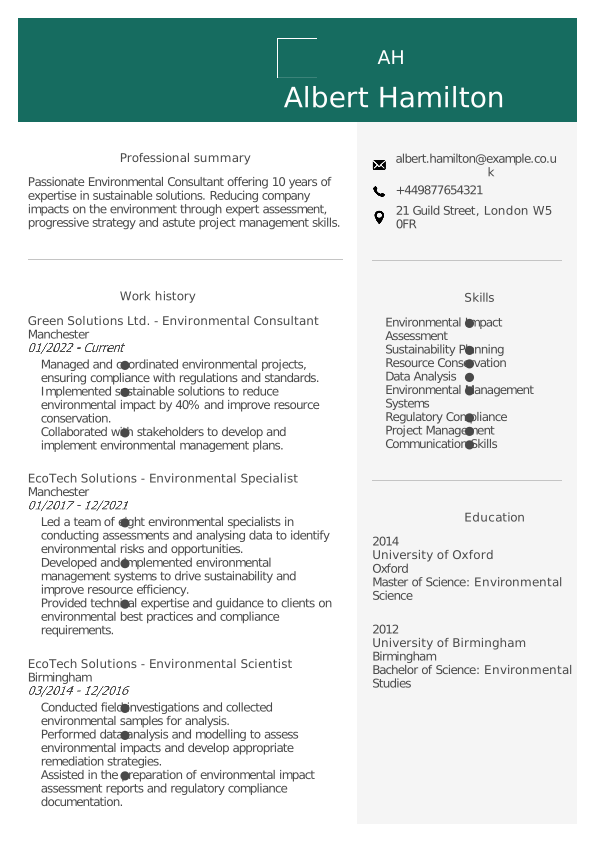
Our customers have been hired by : *Foot Note
Applicant Tracking Systems (ATS) are automated software tools employers use to scan, filter, and rank job applications. If your CV is not formatted correctly or lacks the right keywords, it will be rejected before a human recruiter ever sees it.
Use our CV checker to test and improve your document.
Upload your current CV, and our tool will scan it instantly, giving you a comprehensive ATS score and actionable tips to optimise your formatting and keywords for faster recruitment success.
Create a CV with My Perfect CV
Create your CV now and check its ATS score to pass screening software easily.
How Our ATS CV Checker Works
Our ATS checker does more than just proofread. It works like the software used by top UK employers, running a series of crucial technical and content checks to help your application pass the initial screening.
Here is exactly what our CV scanner tests:
1. Keyword matching and job alignment
ATS software ranks candidates based on how well their CV matches the job description. Our CV checker scans your document for industry-specific keywords, essential skills, and certifications, ensuring your terminology aligns with what recruiters search for.
2. Formatting and parsing compatibility
Complex layouts, graphics, and unusual fonts can confuse an ATS and scramble your information. We check your CV’s technical compatibility (whether it is a PDF or DOCX) to ensure the system can accurately read and parse your contact details, work history, and education.
3. Section structure
A robust CV must include easily identifiable sections. Our ATS checker ensures your document contains standard headings (like Personal Statement, Work Experience, and Skills) so the software can correctly categorise your background.
4. Action verbs and impactful words
Applicant tracking systems look for dynamic action verbs that demonstrate impact. We analyse your vocabulary and suggest powerful words like achieved, implemented, and managed to elevate your CV’s professional tone.
5. Readability and length
Our tool evaluates the conciseness of your CV. We ensure your bullet points are easy to scan and that your CV length fits your experience level, preventing recruiters and software from getting overwhelmed by unnecessary bloat.
How to pass an Applicant Tracking System (ATS)
If you want to ensure a high ATS score every time you apply, follow these three essential steps:
Tailor your CV to the job description
Never send the exact same CV to every employer. Carefully review the job advert and mirror the specific hard skills, soft skills, and job titles used. If the advert asks for a ‘Customer Service Representative,’ do not list your current title as ‘Client Happiness Associate.’
Avoid graphics, tables, and symbols
While heavily designed CVs might look beautiful, ATS software cannot read text hidden inside images, tables, or complex symbols. Stick to a clean layout with standard fonts like Arial or Calibri.
Save in the correct format
Unless the job application specifically requests a Word document (.docx), you should generally save and upload your CV as a PDF. This ensures your formatting remains locked in place across all devices and ATS platforms.
ATS-Friendly CV Templates (UK Format)
If our CV checker highlights critical formatting errors in your current document, the easiest fix is to start fresh.
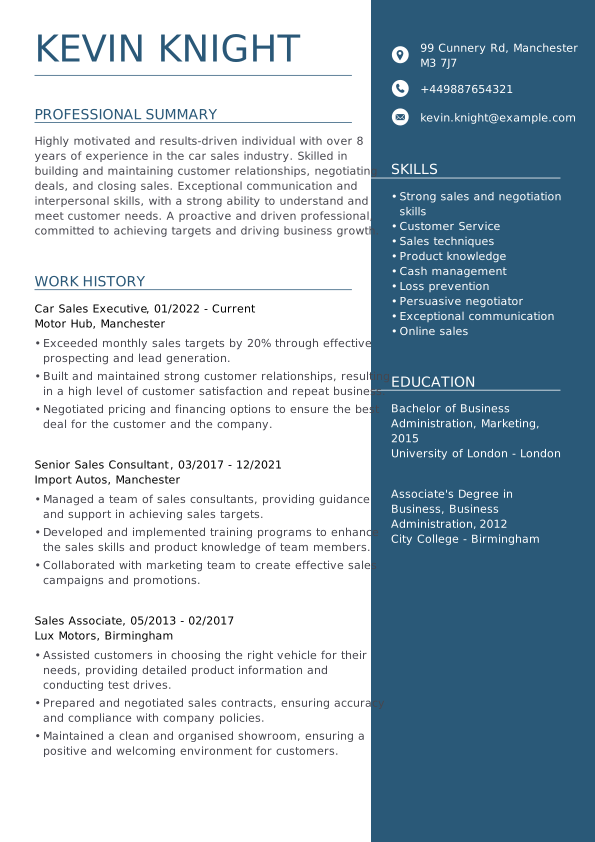
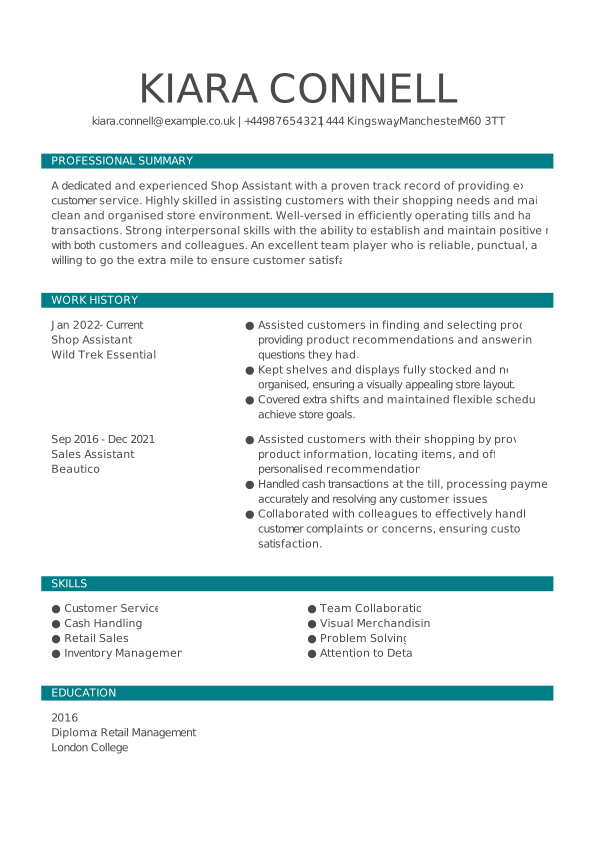
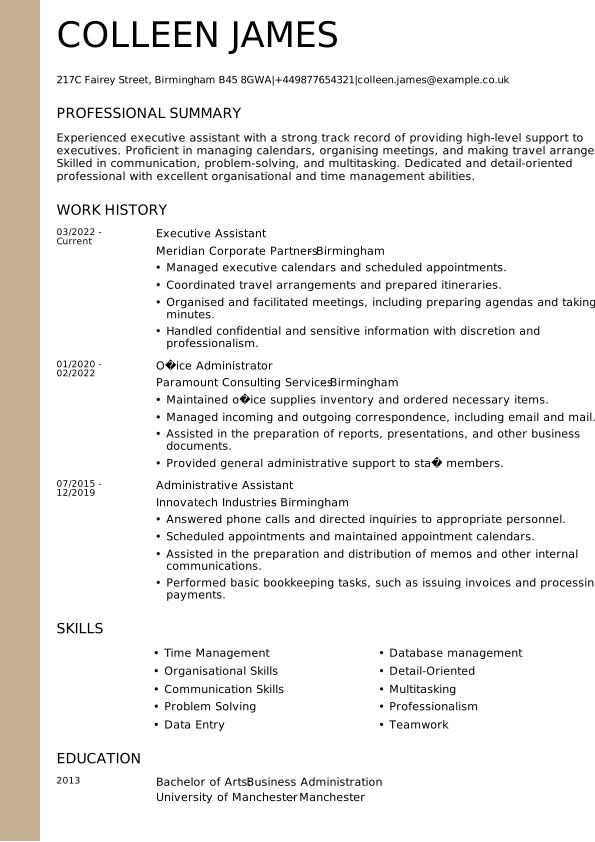
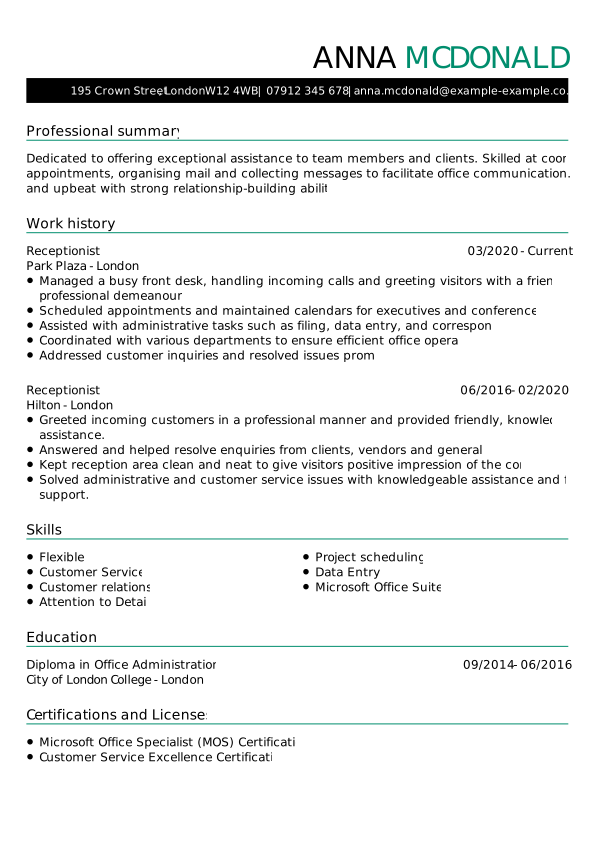
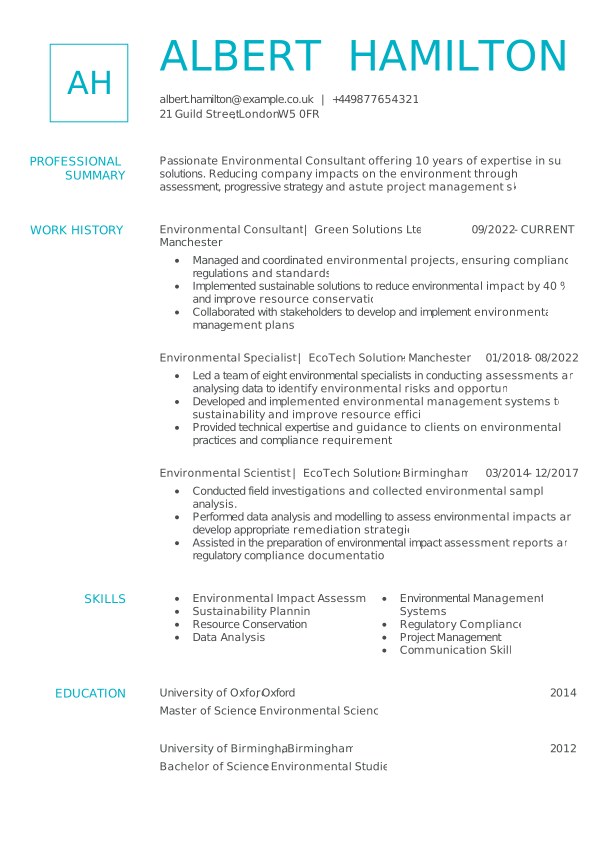
Browse our collection of easily customisable, ATS-friendly CV templates designed specifically for the UK job market. Each template is expertly coded with a clean structure, standard headings, and proper margins to guarantee flawless parsing by any screening software.
Check your CV score today
Don’t let a formatting error cost you an interview. Upload your CV to our builder today, and our ATS checker will analyse it in detail. You will receive a comprehensive score and specific recommendations for improvement—from optimising keywords to fixing hidden structural issues.
Ensure your CV is polished, professional, and ready to pass through any filter.

Frequently Asked Questions About the ATS Checker
How do I check my CV with ATS?
To check your CV with an ATS CV Checker, first access our CV Builder and upload your existing CV file in a compatible format such as .docx or .pdf. You can also create a new CV following the instructions provided by the builder. The ATS CV Checker will automatically scan and analyse your CV. This includes evaluating the structure and checking for relevant keywords that match the job description. Once the analysis is complete, you’ll receive detailed feedback on areas that need improvement. Review this feedback carefully and make the suggested changes to optimise your CV.
Why is it important to have an ATS-friendly CV?
An ATS-friendly CV is important because many employers use Applicant Tracking Systems to manage and streamline their recruitment processes. An optimised CV will ensure that your application passes the initial automated screening by matching specific keywords and criteria from the job description.
This increases your chances of getting through to the next stage. In addition, an ATS-friendly CV follows a standardised format that the software can easily analyse, minimising the risk of missing important information.
By making your CV ATS friendly, you increase its visibility to recruiters and present your qualifications in a clear and professional manner, making a positive impression on human reviewers.
What kind of feedback will I get from the ATS CV Checker?
When you use our ATS CV Checker, you’ll receive comprehensive feedback on several key aspects of your CV. The Checker provides an overall score on a scale of 1-100 and detailed feedback. It assesses your use of relevant keywords from the job description and suggests additional keywords to include. You’ll receive guidance on improving the structure and layout of your CV, including font choice, section headings and bullet points to ensure ATS compliance. The tool also identifies spelling and grammar errors and offers corrections to make your CV look polished and professional. In addition, the feedback highlights areas for content improvement, such as adding measurable achievements, refining your summary statement and highlighting relevant skills and experience.
Improve Your Job Search with an ATS Optimised CV
Your CV and cover letter are the two most important documents in your job application process. Make sure you present yourself effectively with a CV that not only reaches the recruiter, but also secures you an interview. An ATS-friendly CV is designed to pass through Applicant Tracking Systems, increasing your chances of being noticed by recruiters and moving forward in the hiring process. Optimise your CV to highlight your skills and qualifications clearly and professionally, and make a strong impression from the start.